Built for Meals on Wheels

Lightweight billing, designed for the way
your branch actually bills.

Import your monthly meal counts. Generate per-recipient statements. Mark paper-check payments as they come in. That's it. No payment processing, no general ledger, no tax forms — just the billing your branch already does, finally in one tool.

  • No credit cards, ever
  • QuickBooks-style statements
  • Multi-branch ready
Why lightweight

Built around what your branch actually does.

Most accounting software is sold to dentists, plumbers, freelance designers — and the rest of you. Mealcounts is sold to one kind of buyer: a Meals on Wheels branch that prints monthly statements and waits for paper checks.

No payment processing

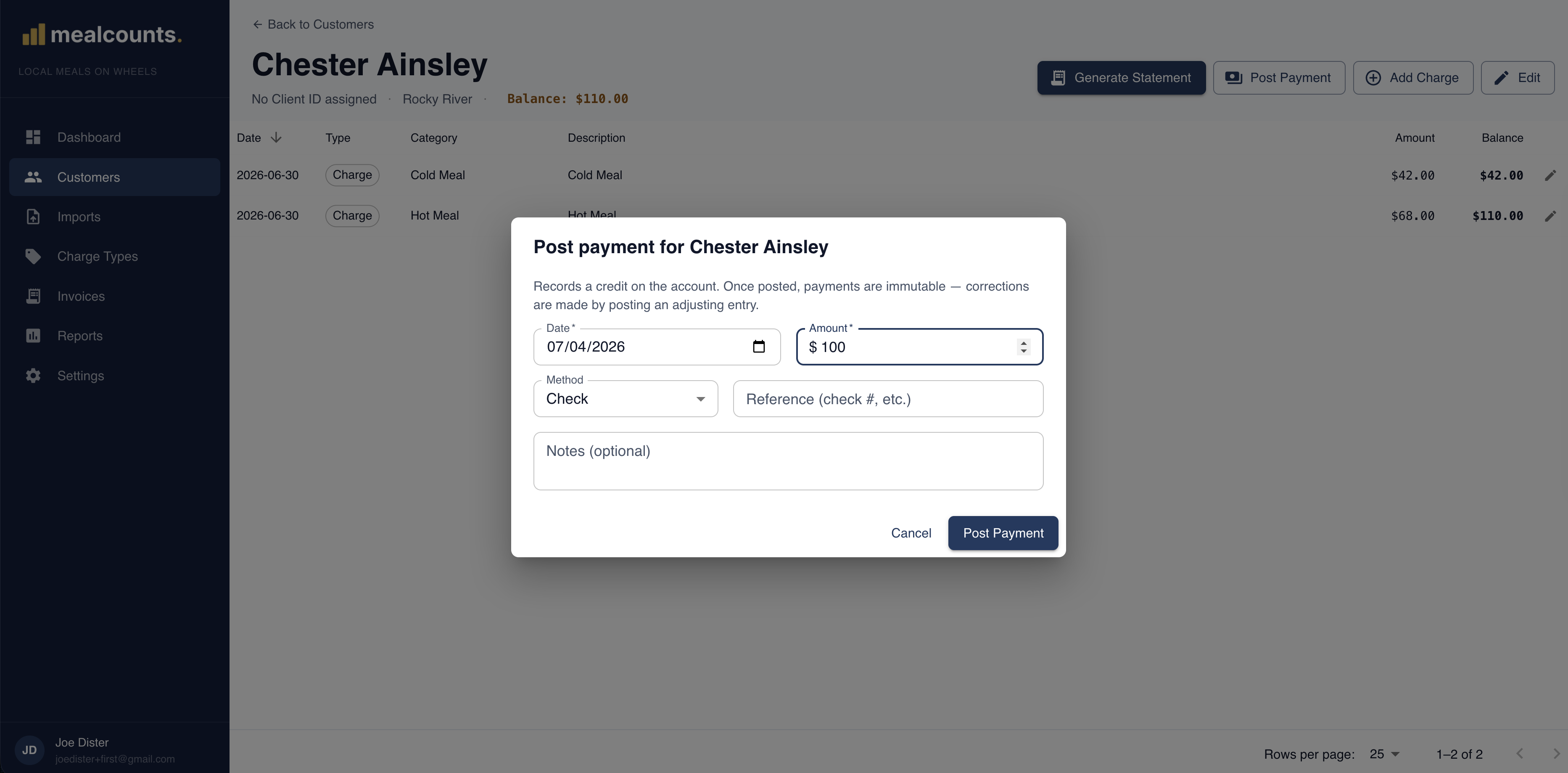
We don't take credit cards because you don't take credit cards. Recipients pay by paper check, money order, or cash. Mark them paid in two clicks.

No general ledger

No journals, no tax forms, no chart of accounts. Mealcounts does statements and payments. Your tax accountant does taxes.

No bloat

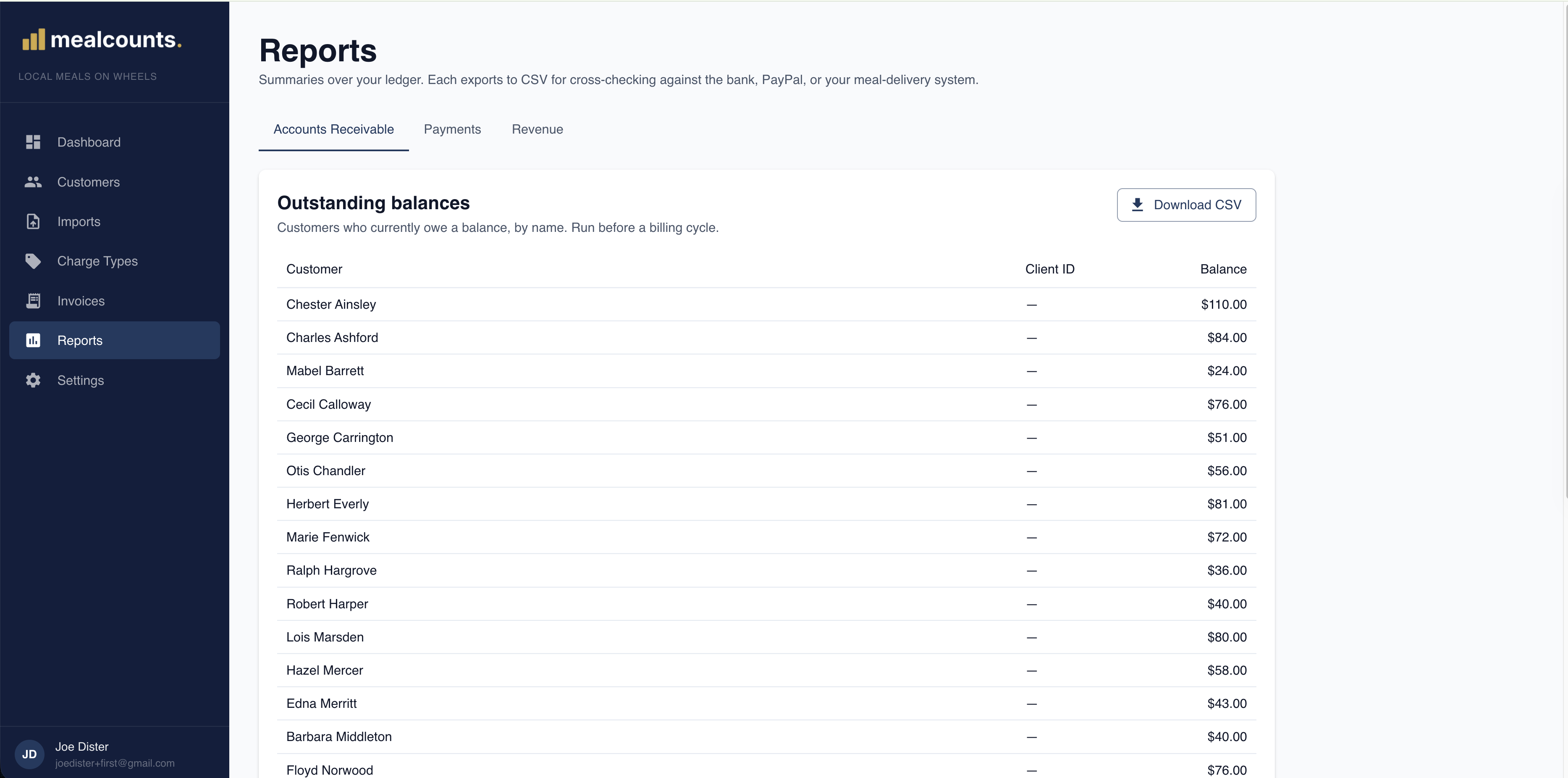
Every screen exists because a biller needed it. There's no "Reports" menu with 47 reports you'll never run, no "Estimates" tab pretending to be useful.

How it works

Your monthly billing run, in three steps.

  1. 1

    Upload your meal counts

    Drop your monthly counts file. Mealcounts matches every row to a recipient in your roster, flags anything ambiguous, and shows you the full staged diff before a single charge is posted.

  2. 2

    Review & commit

    Resolve any flagged rows, add manual line items (cooler fees, refunds, pricing corrections), and commit when it looks right. Imports are append-only, so you can always see what came from where.

  3. 3

    Generate & mail statements

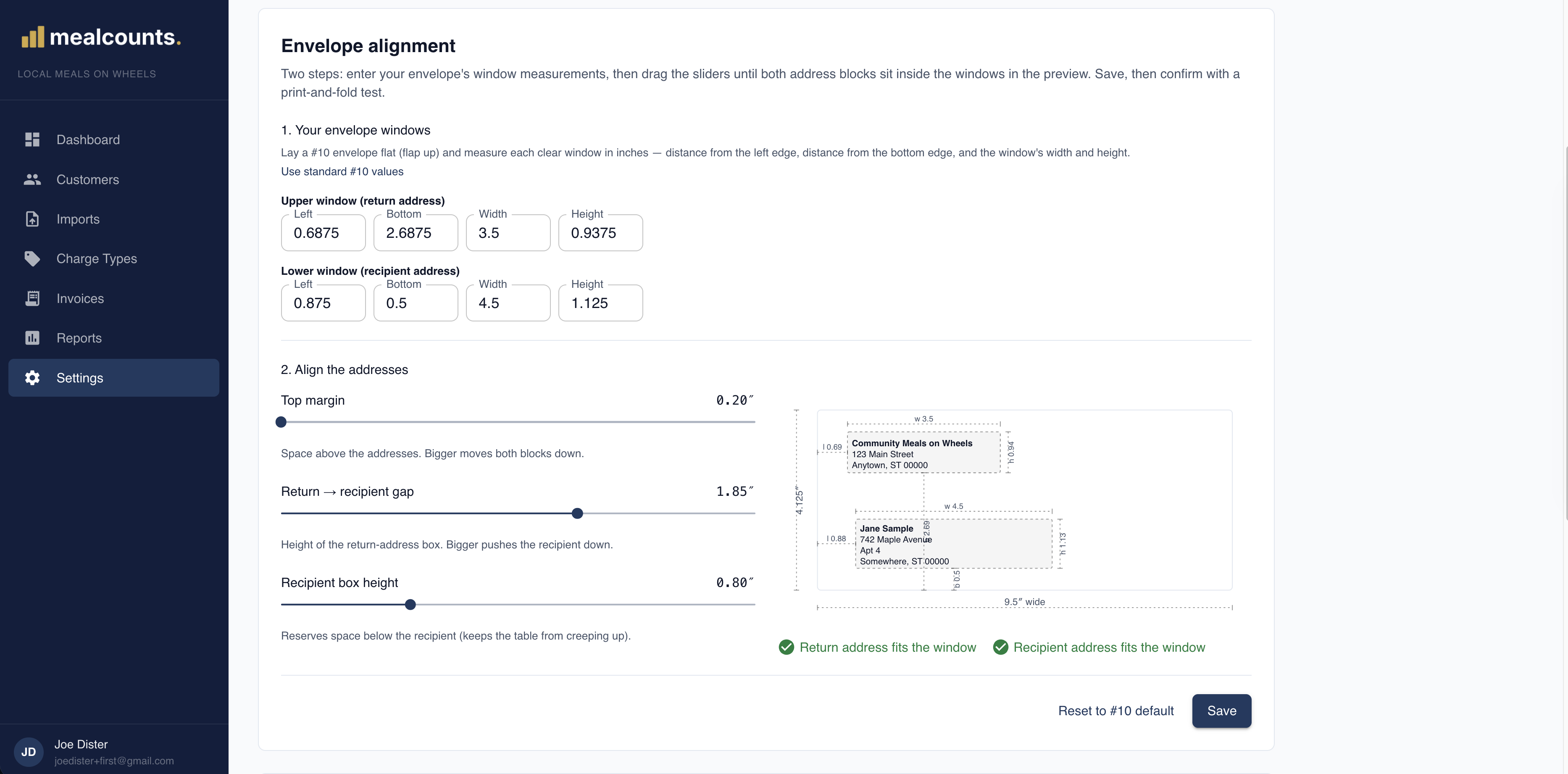
    Select your active recipients and generate. Mealcounts produces a QuickBooks-style statement PDF for each, plus a single merged PDF ready for batch printing. Print, mail, done.

Features

The small list of things you actually need.

Mealcounts is deliberately short. Here's what it does — and what it intentionally won't try to do for you.

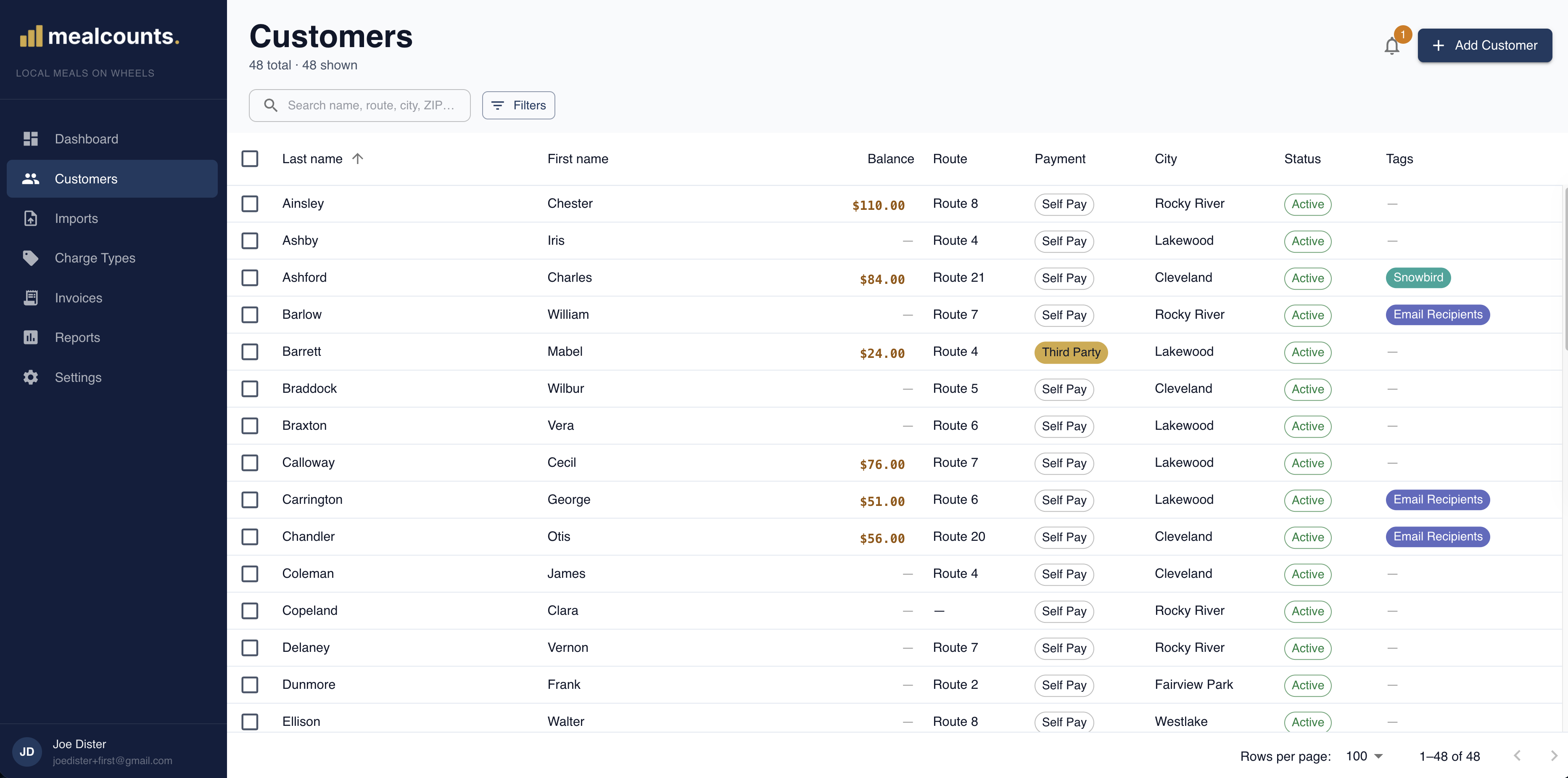
Per-recipient running ledger

Every charge and payment, in order, with a running balance. Open one recipient and see their whole history.

QuickBooks-style statements

PDFs that look like what your billers already mail. Detachable remittance, balance-forward, due date — same shape, modern tool.

Bulk generation & printing

Select 100 recipients, click generate, get a ZIP and a single merged PDF. Print the merged file straight to your office printer.

Bill-to addresses

Third-party-pay recipients (kids in another city paying for a parent's meals) get a "c/o" line and a separate mailing address.

Paper-check payment tracking

Mark checks, money orders, and cash as they come in. Sequential payment numbering so your records line up with your deposits.

Multi-branch ready

Each branch is its own tenant. Customers, charges, and statements stay completely separate — share Mealcounts across a region without sharing rosters.

Now in pilot

Run your billing from one tool,
not a spreadsheet and a copy of QuickBooks.

Mealcounts is piloting with a few Meals on Wheels branches. If yours mails monthly statements and would rather not pay for full accounting software you barely use, we'd love to talk.

Email us about a pilot No demo gauntlet. One short call.